Best Book Illustration Apps for Beginners and Professionals in 2026
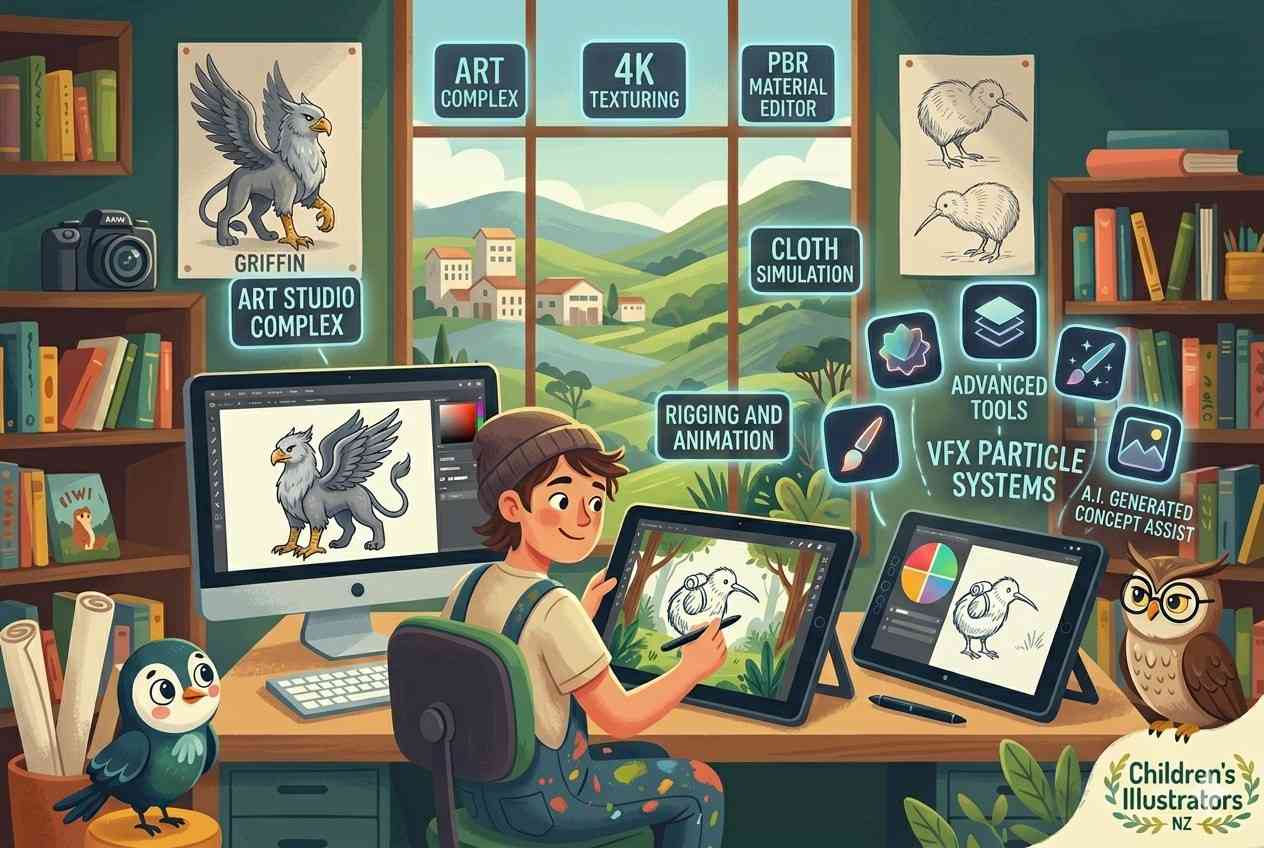
In 2026, illustrators use tablets, laptops, and even cellphones to complete entire projects. Additionally, the world of book illustration has grown more cooperative. Depending on the project’s stage, artists may integrate multiple apps.
While some programs are more effective for painting or layouts, others could be better at sketching. In ways older software could not, modern apps are designed to facilitate creative freedom, page planning, and storytelling. Because of this flexibility, it is now important for both beginners and experts to know what each app does best.
What Is a Good Illustration Application in the Modern World?
One myth you may have heard about illustration apps is that they are defined solely by their features. When evaluating book illustration software free options, artists often consider much more than advanced tools. Many prefer smoother creative experiences and faster workflows.
First comes the storytelling tools that matter more than ever. Layering systems, page planning, textured brushes, and scene consistency are now common features of modern apps. These are the features important in book illustration, which must be emotionally and visually continuous through more than just a few pages.
Next, simplicity has become a major advantage, and many beginners for the book illustration give up on complex software due to the technical menus that get in the way of creativity. That is why artists tend to look for better natural drawing tools, stylus responsiveness, and better interfaces in a book illustration app rather than apps with a ton of features.
What Are the Best Book Illustration Apps for 2026?
If you are in search of free children’s book illustration software, all you need to do is explore this list. These software are best whether you are a professional or just a beginner recently stepped into the industry.
- Procreate
First on the list is Procreate, a powerful illustration app that helps artists bring their characters to life through expressive artwork. The easy workflow and natural brush engine make Procreate one of the most popular illustration programs available. For artists searching for an illustrate app that feels intuitive and responsive, Procreate is often a preferred choice. Its user-friendly design makes it especially appealing to those creating book illustrations digitally without having to navigate overly technical tools.
- Adobe Fresco
Next comes the Adobe Fresco, which offers watercolour and oil brush simulations. It is particularly useful for artists who use illustration software for children’s books because of its softer painting experience, where expressive textures play an important role.
- Autodesk Sketchbook
Moving forward, the simple design and non-technical interface keep Sketchbook popular with beginners, especially. It is still one of the most reliable book illustration software programs in the modern world, which also does not charge.
- Clip Studio Paint
Clip Studio Paint is widely used for graphic novels, comics, and story-driven illustration projects.
It is considered an excellent choice for artists looking for high-level children’s book illustration software that offers page sequencing and layout precision.
- Krita
Krita is one of the most powerful open-source illustration software out there. One of the main reasons creators choose Krita is its professional-quality brushes and painting tools, despite being free.
- Affinity Designer
Last on the list is Affinity Designer, a remarkable choice for illustration purposes, which has the combination of the powerful vector illustration capabilities, and its one-time purchase use is a winning combination. It is a favourite for many professional book illustration designers and magazine illustrators because of its detailed layouts and scalable artwork.
Which of These Apps Work Best for Beginners and Professionals?
| Software | Best For | Why it Stands Out |
| Procreate | Beginners | Easy controls and a natural workflow |
| Adobe Fresco | Professionals | Textures in realistic paintings |
| Autodesk Sketchbook | Beginners | Smooth sketching and an intuitive interface |
| Clip Studio Paint | Professionals | Excellent layout and narrative tools |
| Krita | Budget-Conscious Artists | Great free features |
| Affinity Designer | Professionals | Strong vector precision |
What Are Artists Doing with These Apps?
Modern artists, whether they are childrens illustrators or work in other creative fields never rely on one app, software, or program only. They understand the gravity of the work and also advise the newbies that they should also always continue their exploration journey to become successful and a noticeable artist that every client looks up to when they want their work to be done.
Why Are Hybrid Workflows Becoming More Common?
Many creators sketch in one app, paint in another, and complete page layouts in a third. An artist can design and draft characters in Sketchbook, colour the characters in Fresco, and arrange the final pages in Clip Studio Paint.
Why Are Children’s Illustrators Focusing More on Emotion?
In recent years, storytelling has increasingly emphasised softer artistic styles, unusual characters, and feelings-rich images.
This has made it more likely that many famous designers who use popular drawing apps for kids are concentrating on organic brushes and fun colouring schemes.
Why Are Simpler Interfaces Gaining Popularity?
There are many professionals nowadays who do book illustration and purposefully avoid complex software. This trend has made minimalist and user-friendly software increasingly popular among children’s illustrators.
Why Is It Important to Choose the Right App for Professional and Beginner Illustrators?
- One important thing every illustrator should understand is that choosing the wrong software to create book illustrations can limit creativity and make storytelling more challenging.
- The apps are made and introduced into this huge creative world to let artists showcase their talent with ease.
- The best illustration apps eliminate those distractions and make creative flow feel intuitive.
- In book illustration, consistency and emotional pacing play a major role in shaping the reader’s experience, especially when artists aim to create a picture book that feels engaging and visually consistent.
- People looking for an app to illustrate today often want something that makes it easy to tell the story instead of converting it into something difficult.
FAqs
What is the most user-friendly illustration app for beginners?
For new artists in the industry, Sketchbook and Procreate are frequently suggested since they are easy to use and intuitive.
Are applications for free illustrations sufficiently professional?
Indeed. For professional-calibre work, programs like Krita and Sketchbook are highly regarded.
Which app works best for children’s artwork that tells stories?
For this purpose, Adobe Fresco and Procreate are excellent options as the expressive strokes and beautiful textures of these software are particularly well-liked among many professionals who use them for this instance.
Show off Your Talent
Many times, the artists, no matter whether they have huge experience in the illustration world or just stepped into the industry, still do not get recognised or hyped up the way they should have, as per their talents. One reason many talented artists remain unnoticed is that they have not yet found the digital tools that best match their workflow and creative style. All they have to do is use these free apps and find out which option suits them the best, and this is the exact point where they can show off how remarkably their brain works when it comes to book illustration.

I am an advocate for the power of visual narratives. I explore the intersection of art and early childhood education. Based in New Zealand, I write informatie blogs and articles for authors on how to bring characters to life and engage young readers through vibrant, imaginative illustrations. Whether discussing 2D book trends or the psychology of color in storytelling, I am dedicated to the ‘art’ of the picture book.